- AI MVP Weekly
- Posts
- Build Stunning Landing Pages FAST inside Lovable
Build Stunning Landing Pages FAST inside Lovable
The exact 4-step process I use to create premium-looking landing pages in Lovable...

Prajwal Tomar
September 09, 2025
Hey everyone,
Here's the problem with most MVP landing pages:
They look like MVPs. Generic gradients, basic layouts, zero personality. Visitors take one look and think "early stage startup with no budget."
But what if your landing page could make people think you're already successful?
The 4-step process I use:
Before I break this down, if you want the full walkthrough, watch my exact workflow to build stunning landing pages fast inside Lovable with Unicorn Studio
But the steps below will get you started.
Step 1: Start with SnapPrompt
Most people jump straight into building without a plan. Bad idea.
I use my custom SnapPrompt to generate the landing page structure and copy outline first. It helps you define your goal, audience, and offer before you touch any code.
This saves hours of back-and-forth later because you know exactly what you're building.
Step 2: Replace default components with 21stDev
Lovable's default blocks look... default. Everyone uses them.
Instead, I head to 21stDev's component library and swap out the basic stuff with higher-quality UI components.
You can drag, drop, and rearrange until the structure feels right.
For this example, I used this hero component: https://21st.dev/meschacirung/hero-section-1/default
The difference is immediate. It goes from "built with a template" to "designed by professionals."
Step 3: Add animated backgrounds with Unicorn Studio
Here's where the magic happens.
Once your base layout is ready, open Unicorn Studio and browse their starter templates. These include modern motion effects, gradients, and smooth interactions.
Pick one that matches your vibe, then customize it:
Change the color palette to match your brand
Adjust animation speed (subtle is better)
Edit shapes, layout, or spacing
Make it feel original to your product
For this example, I used the Raycast starter template as-is just to show what's possible out of the box. But you should always customize it to make it unique.
Step 4: Embed the animation into Lovable
Once your animation is ready in Unicorn Studio, click Export → Embed and grab the embed code.
Then drop this code inside Lovable using their embedding documentation: https://github.com/hiunicornstudio/unicornstudio.js/tree/v1.4.25
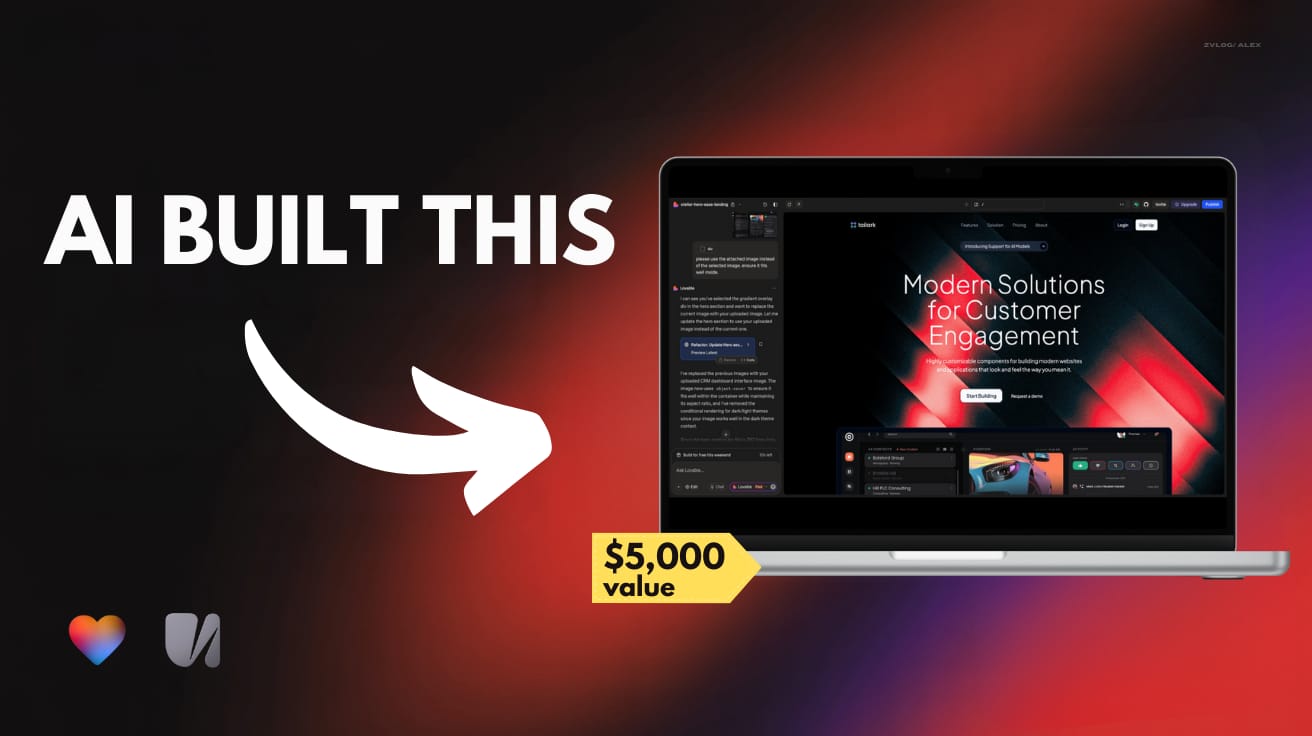
The result? A hero section that looks like it cost $10k to design.
Why this workflow works:
Each step builds on the last:
SnapPrompt gives you clear direction
21stDev provides professional components
Unicorn Studio adds the premium feel
Lovable brings it all together quickly
The real impact:
When your MVP looks professional from the first scroll, people take you seriously. Investors pay attention. Customers trust you faster.
The bottom line:
Most builders spend weeks trying to make their MVPs look good. This process gets you there in hours.
Your idea deserves a landing page that matches its potential.
If you want to see all my workflows in action:
👉 Get full step-by-step walkthroughs inside AI MVP Builders. I break everything down with prompts, workflows, and real builds.
👉 Need your MVP built for you? IgnytLabs ships production-ready products for clients in weeks, not months.
Keep building,
~ Prajwal
PS: Inside AI MVP Builders I don’t hold back. I share the same systems I use with my agency clients. Every build, every workflow, broken down so you can actually apply it.