- AI MVP Weekly
- Posts
- This one tool changed how I debug MVPs
This one tool changed how I debug MVPs
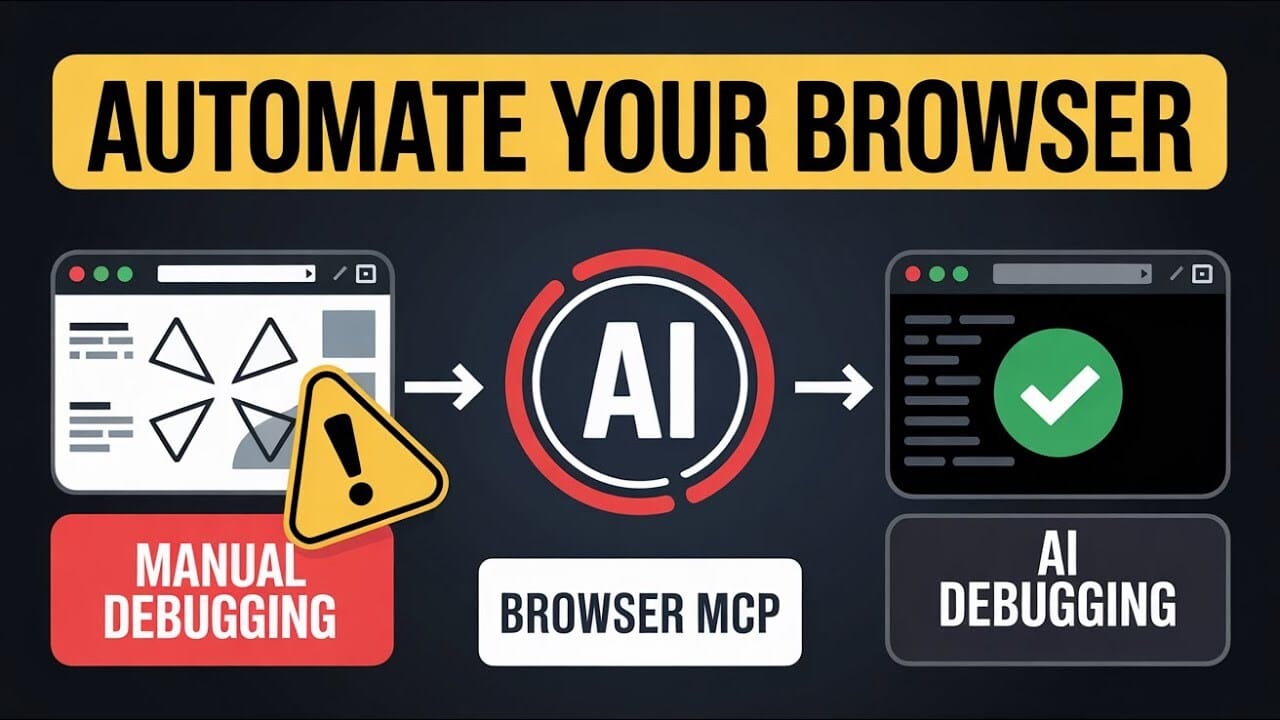
Browser MCP inside any AI editor automates testing + debugging for you.

Prajwal Tomar
September 06, 2025
Hey everyone,
I just dropped a full YouTube walkthrough on Browser MCP + Windsurf. If you want to see the full setup and live demo, check it out here: YT video
Now let’s break it down step by step.
What is Browser MCP?
Browser MCP is a tool that lets you automate browser testing right inside your IDE (Windsurf or Cursor).
Instead of:
• Clicking through every feature manually
• Copy-pasting console logs
• Taking screenshots yourself
You just tell it what to do and it runs the full flow, logs errors, and grabs screenshots for you.
It’s basically QA testing on autopilot.
Why This Matters
• Saves hours of manual testing
• Catches bugs you’d normally miss
• Keeps everything inside your IDE (no context switching)
• Beginner-friendly if console logs overwhelm you
How to Set It Up
Install the Browser MCP Chrome extension and pin it to your toolbar
In Windsurf, open Settings → Advanced Settings → Add Custom Server
Paste in the MCP config from docs into your mcpconfig.json
Save and you’re ready to test
Takes less than 5 minutes.
What You Can Do with It
• Navigate to any URL
• Go back/forward in browser history
• Fill out forms automatically
• Take snapshots of the app
• Read console logs in real time
• Detect and report white screens
Example: Testing Signup Flow
Prompt example:
“I’m on the landing page. Sign me up for free. If anything breaks, check console logs and snapshot the errors. At the end, I should have a working account.”
Browser MCP will:
• Click “Sign Up”
• Fill out the form
• Accept terms if needed
• Monitor console logs
• Take screenshots
• Confirm account creation
That’s an entire signup flow tested in one prompt.
Best Practices
• Run MCP tests after every new feature
• Always include console log monitoring
• Save screenshots for documentation
• Test full flows (signup → dashboard → logout) instead of just single steps
My Workflow
Build feature with Cursor/Claude
Run Browser MCP test on the full flow
Review console logs + screenshots
Fix issues immediately
Re-test and deploy
👉 Want to learn workflows like this every week? Join AI MVP Builders
👉 Need a dev team to ship your MVP fast? Work with us at IgnytLabs
This combo of AI IDE + Browser MCP has made my testing 10x faster and way less painful.
If you want the full setup guide and live demo, watch the video here: Youtube link
Keep building,
~ Prajwal