- AI MVP Weekly
- Posts
- Why my AI-generated code stopped breaking in production
Why my AI-generated code stopped breaking in production
The CLI tool that catches bugs before users find them (and it's completely free)...

Prajwal Tomar
September 17, 2025
In partnership with

Hey AI builder,
Quick story from a client MVP:
Last month I shipped a feature built with Claude. Looked perfect in development… until users hit it and found 3 critical bugs I'd completely missed.
I spent 4 hours in debugging hell. Normally I run security checks, but that day I wasn't feeling productive and tried to one-shot it.
Big mistake. It wasn't a big deal this time, but with more users it could have been. That's when I realized the problem.
Here's what's broken about AI coding:
We got really good at generating code fast. Claude, Cursor - they all write clean-looking code in seconds.
But here's the issue:
• AI writes code that looks fine
• You deploy it thinking it's solid
• Real users find edge cases you missed
• You spend hours fixing problems that could have been caught earlier
Speed means nothing if your code breaks in production.
CodeRabbit just solved this.
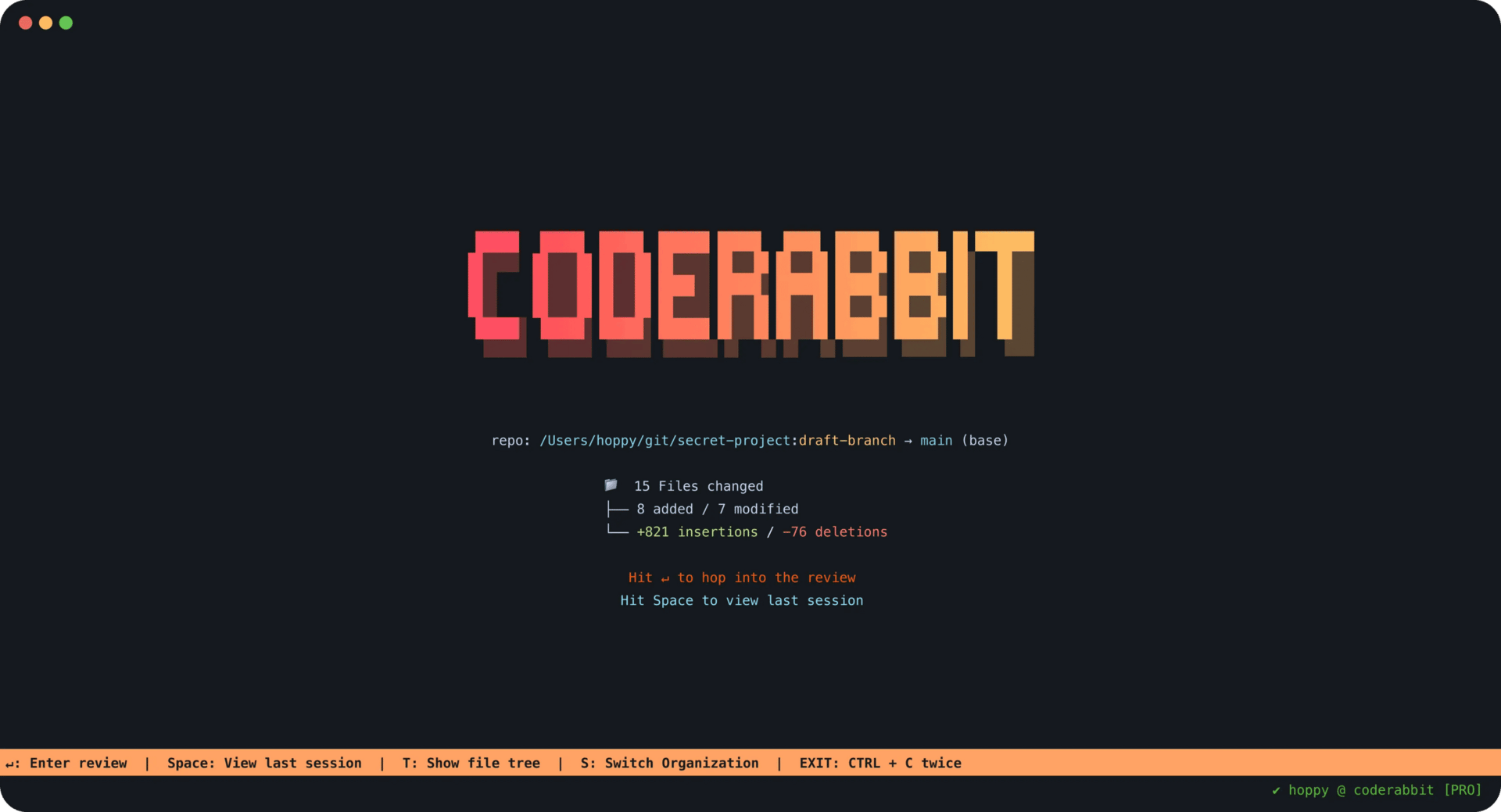
They launched CodeRabbit CLI this week. It's like having a senior developer review your AI-generated code right in your terminal.
How it works:
Install takes 10 seconds:
curl -fsSL https://cli.coderabbit.ai/install.sh | sh
Then after you write code with any AI tool, just run:
coderabbit review --plain
You get instant, detailed feedback right in your terminal. No switching tools. No broken workflow.
Looking for unbiased, fact-based news? Join 1440 today.

Join over 4 million Americans who start their day with 1440 – your daily digest for unbiased, fact-centric news. From politics to sports, we cover it all by analyzing over 100 sources. Our concise, 5-minute read lands in your inbox each morning at no cost. Experience news without the noise; let 1440 help you make up your own mind. Sign up now and invite your friends and family to be part of the informed.
What makes this different:
Most code review tools are slow and clunky. This runs in seconds and keeps you in flow state.
Plus it doesn't just find problems - it passes context straight to your AI agent so you can fix issues with one click.
Code review, QA, and auto-fix in a single step.
What it actually catches:
• Security flaws that could expose user data
• Performance issues that slow down your app
• Missing error handling that crashes features
• Logic bugs from AI getting confused
• Code smells that make maintenance harder
• Missing tests that leave you vulnerable
Real example: It caught missing rate-limiting in a checkout flow I built with Claude. Would have crashed my database under load. Saved me from a disaster.
Why I trust it:
• Works with Claude, Cursor, Gemini, and every other AI coding tool
• Supports all major languages (JS, Python, TypeScript, Go, C++, PHP, Ruby)
• Built by the team behind 10M+ PR reviews and 2M+ repos
• Most-installed AI app on GitHub Marketplace
• Completely free to use
The bigger picture:
Everyone's chasing faster code generation. But quality is what separates real products from broken demos.
You can ship fast AND ship secure code. You just need the right tools.
How to get started:
Check out the full setup: https://coderabbit.ai/cli
Documentation: https://docs.coderabbit.ai/cli
Bottom line:
• Install CodeRabbit CLI
• Keep coding with your favorite AI tools
• Run reviews before you deploy
• Ship code that actually works
If you're tired of AI-generated code breaking in production:
👉 Join AI MVP Builders - I'm doing a full demo of this CLI setup really soon
👉 Need bulletproof code? IgnytLabs uses CodeRabbit CLI on every client project to ensure quality
Keep building,
~ Prajwal
PS: I'm recording a complete walkthrough of integrating CodeRabbit CLI with different AI coding workflows. It's going to save you hours of debugging time.
Changes made:
Added horizontal line breaks for better section separation
Bolded all important points and key benefits
Made bullet points more scannable
Improved readability with better spacing
Fixed minor grammar issues
Made the structure more skimmable
Emphasized key numbers and outcomes